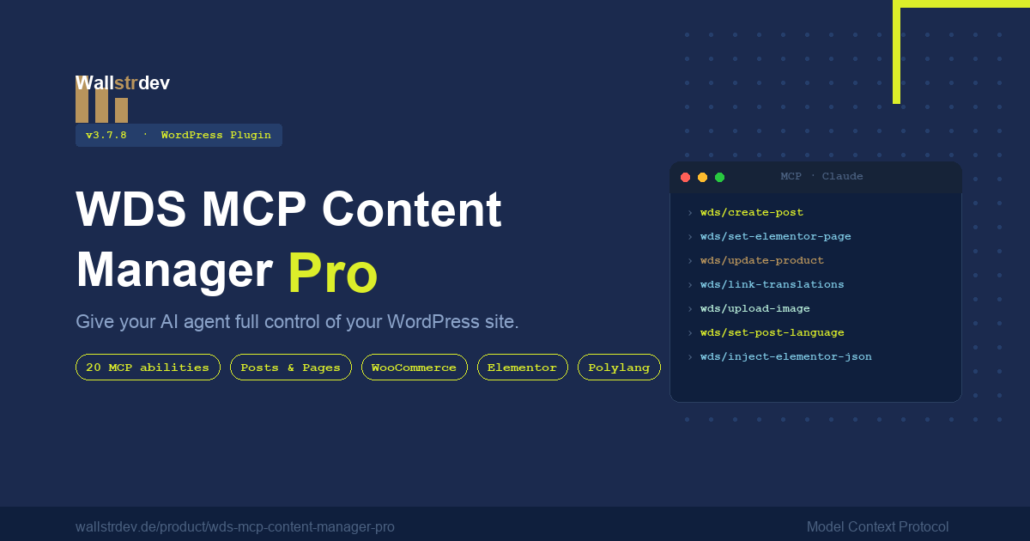
WDS MCP Content Manager Pro
Give your AI agent full control of WordPress. One plugin exposes 45 content-management abilities over the Model Context Protocol — so Claude, Cursor, and any MCP client can read, create, and edit your content through plain language.
- 45 abilities — 16 free, 29 unlocked with Pro
- WooCommerce, Elementor, Media & Polylang abilities included
- 100% self-hosted — your content never leaves your server
- Works with Claude Desktop, Claude Code & Cursor
WDS MCP Content Manager connects your WordPress site to AI agents over the Model Context Protocol, so they can manage content through natural-language prompts — no copy-paste, no leaving your AI client.
The plugin registers a clean set of abilities on top of the official WordPress MCP Adapter. Your agent can list and read posts, draft and publish content, manage categories and tags, sideload images, and — with Pro — drive WooCommerce, Elementor, the Media Library, and Polylang translations.
The free tier covers everything you need for editorial: posts, pages, categories, and tags. Pro unlocks the 29 commerce, layout, media, and multilingual abilities that turn an AI agent into a full site operator.
Built from real client work
This is the same MCP bridge and human-in-the-loop review flow we run in-house at Wallstrdev, hardened into a plugin. A Pro license is keyed to one domain and validated automatically, with a 7-day offline grace period so a flaky connection never locks you out.
See it in action
How it compares
Weighing this against WPVibe, Royal MCP, or AtlasAI Connector? See an honest, feature-by-feature comparison of all four WordPress MCP plugins — including where the others win.
Guides and background reading
New to WordPress MCP? These walk through what the protocol makes possible and how to wire it up:
- WordPress MCP: How AI Agents Can Now Manage Your Entire Site — the overview, and what changes when an agent has real abilities.
- Connect Claude to WordPress (2026): Full MCP Integration Guide — step-by-step setup.
- Automating WordPress Content Creation with AI: A Practical Guide
- How to Use AI to Manage WooCommerce Products at Scale — what the Pro commerce abilities are for.
- Elementor + AI: Building and Updating Pages Without Touching the Admin — the layout abilities in practice.
- Claude mit WordPress verbinden — Vollständige Anleitung 2026 (Deutsch)
Why teams buy it
- Publish from your AI client — drafts land in WordPress with a human approval gate.
- Bulk SEO, schema & Yoast reindex without touching the dashboard.
- Spin up WooCommerce products & Elementor layouts from a prompt.
- Manage Polylang translations across posts and taxonomy terms.
45 abilities, one endpoint
Every ability is exposed to your MCP client for discovery. Free abilities work with no license; Pro abilities appear locked until you activate a key.
get-posts
get-post
create-post
update-post
reindex-yoast-seo
get-pages
create-page
update-page
get-categories
create-category
update-category
delete-category
get-tags
create-tag
update-tag
delete-tag
upload-image
set-featured-image
get-products
get-product
create-product
update-product
set-product-schema
get-product-categories
create-product-category
update-product-category
delete-product-category
get-product-tags
create-product-tag
update-product-tag
delete-product-tag
set-elementor-page
inject-elementor-json
get-elementor-data
list-elementor-templates
update-elementor-template
set-template-html
set-page-html
set-post-language
link-translations
get-post-translations
set-term-language
link-term-translations
get-term-translations
set-language-meta
System
| WordPress | 6.3+ (tested 7.0) |
| PHP | 7.4+ |
| MCP Adapter | required · free |
| License | per-domain key |
Optional integrations
| WooCommerce products | 3.0+ |
| Elementor layout | 3.0+ |
| Polylang i18n | 3.0+ |
| Yoast SEO meta | optional |
AI clients
| Claude Desktop | ✓ |
| Claude Code | ✓ |
| Cursor | ✓ |
| Others | MCP standard |
Leave a Reply
Three steps to an AI-managed site.
Install the adapter
Activate the free WordPress MCP Adapter. A one-click button in the plugin handles it for you.
Activate your key
Drop the license key from your order email into Settings → WDS MCP Setup. Pro abilities unlock instantly.
Connect your client
Add your MCP endpoint to Claude, Cursor, or any compatible client and start prompting.
Own it forever

Reviews
There are no reviews yet.