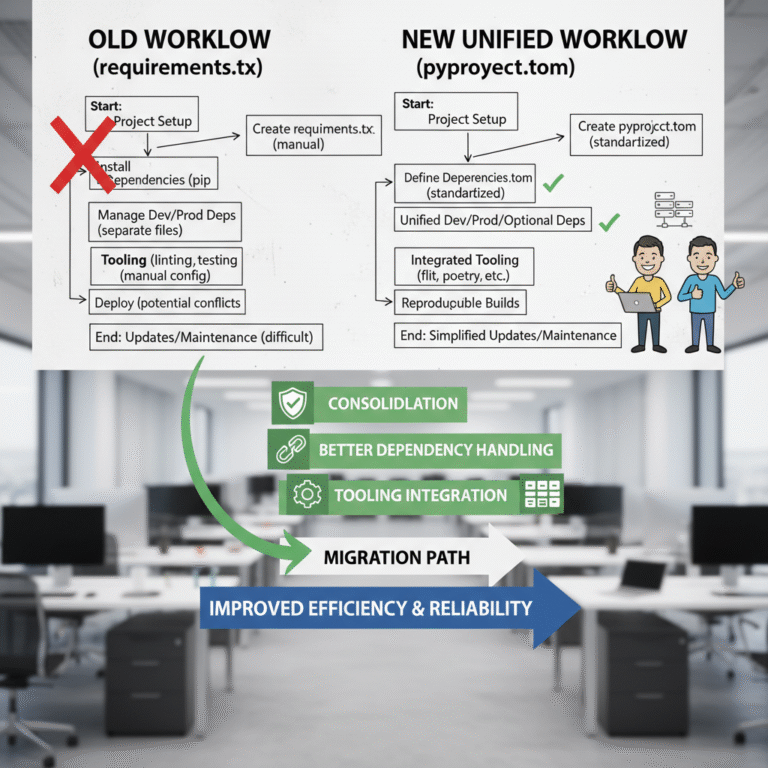
requirements.txt is just a list of pip install commands with none of the project metadata, build system config, or tooling consolidation that modern Python projects need. Switching to pyproject.toml centralizes everything in one declarative file — dependencies, build backend, linters, formatters — and is already the standard for any serious Python project in 2026.Data / ML Engineers, STOP Using requirements.txt! Embrace pyproject.toml Today
For many years, requirements.txt files have been the go-to solution for managing Python dependencies. But it’s 2026, and the Python ecosystem has evolved. If you’re still relying solely on requirements.txt, it’s time to upgrade.
The Limitations of requirements.txt
- Limited scope: Only lists dependencies, no project metadata.
- No build system declarations: Doesn’t specify how to build your package.
- Fragmented configuration: Metadata was scattered across
setup.py,setup.cfg, andMANIFEST.in. - Can’t manage tooling configurations: No unified place for linters, formatters, test frameworks.
Welcome to pyproject.toml
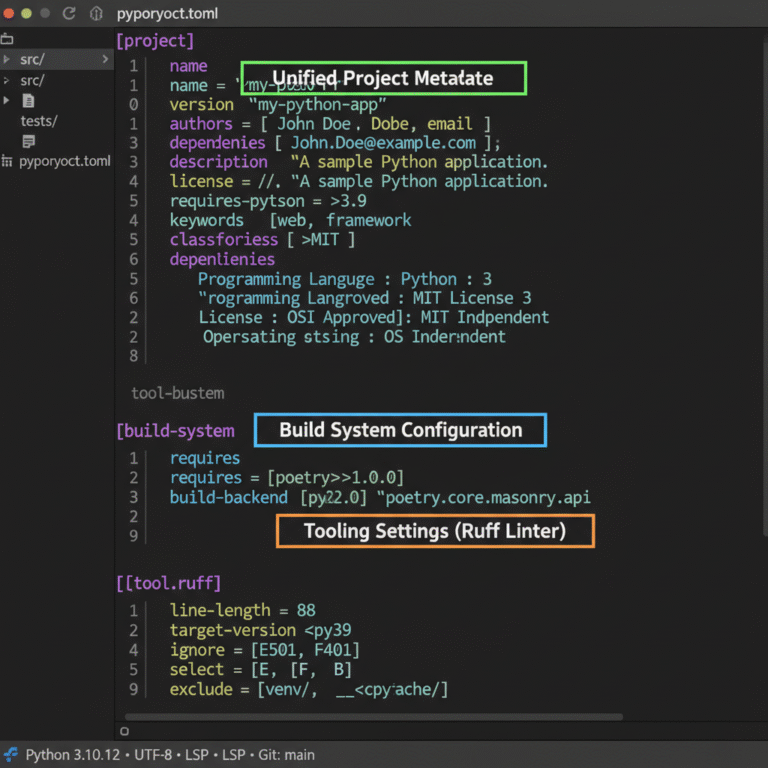
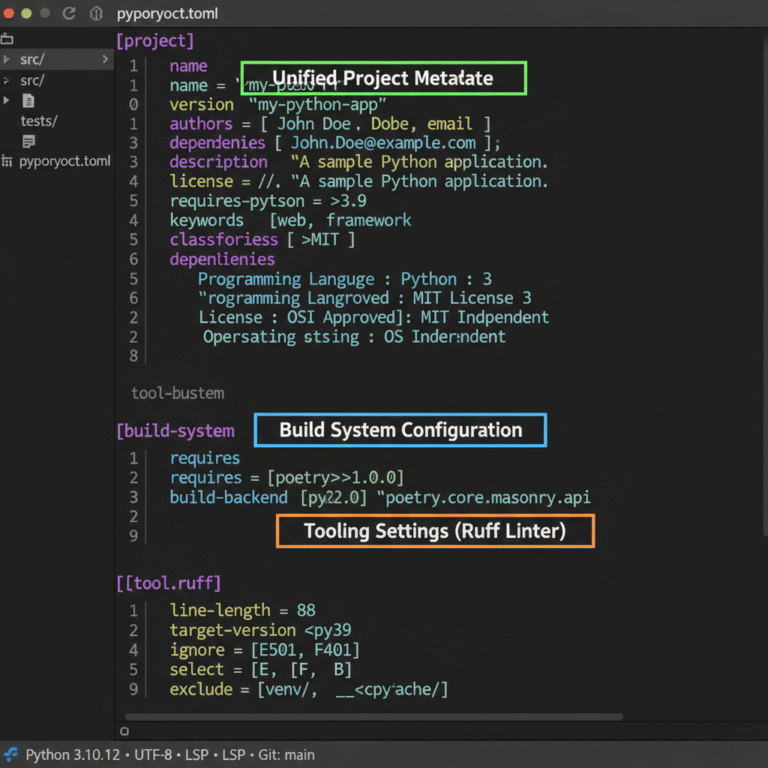
Introduced in PEP 518, pyproject.toml is the standard for centralizing project metadata, dependencies, build system requirements, and tool configurations in a single TOML file.
Example for a data science project
[project]

name = "awesome-ml-project"

version = "0.1.0"

dependencies = [

  "numpy >=1.21, =1.3",

  "scikit-learn >=1.0",

]
[build-system]
requires = ["setuptools>=61.0", "wheel"]
build-backend = "setuptools.build_meta"
[tool.ruff]
line-length = 88
Why Should Data and ML Engineers Switch?
1. Consolidation and Simplification
One source of truth instead of juggling setup.py, requirements.txt, setup.cfg, tox.ini.
2. Better Dependency Management
Modern tools like pip, Poetry, and uv interpret dependencies with constraints, extras, and environment markers elegantly.
3. Tooling Integration
Linters, formatters, and test runners increasingly support configuration directly from pyproject.toml.
4. Improved Reproducibility
Explicitly declaring build backends makes packaging more predictable and secure — the same kind of infrastructure discipline behind token-efficient data formats like TOON and reinforcement-learning frameworks like Microsoft Agent Lightning that plug into an existing ML pipeline without an infrastructure overhaul.
How to Migrate
- Create a
pyproject.tomlat the root of your project. - Define the
[project]section with metadata and dependencies fromrequirements.txt. - Specify your build backend.
- Add tool configurations.
- Archive or remove the old
requirements.txt.
Conclusion
Stop juggling multiple files and upgrade your projects today with pyproject.toml — your future self will thank you!